GPS & FLEET MANAGEMENT
Run your fleeton data — nota call to the driver
Know every vehicle’s location, stop duration, and actual route versus plan — from one screen.
3,000+ vehicles across the group·Installation across all UAE emirates
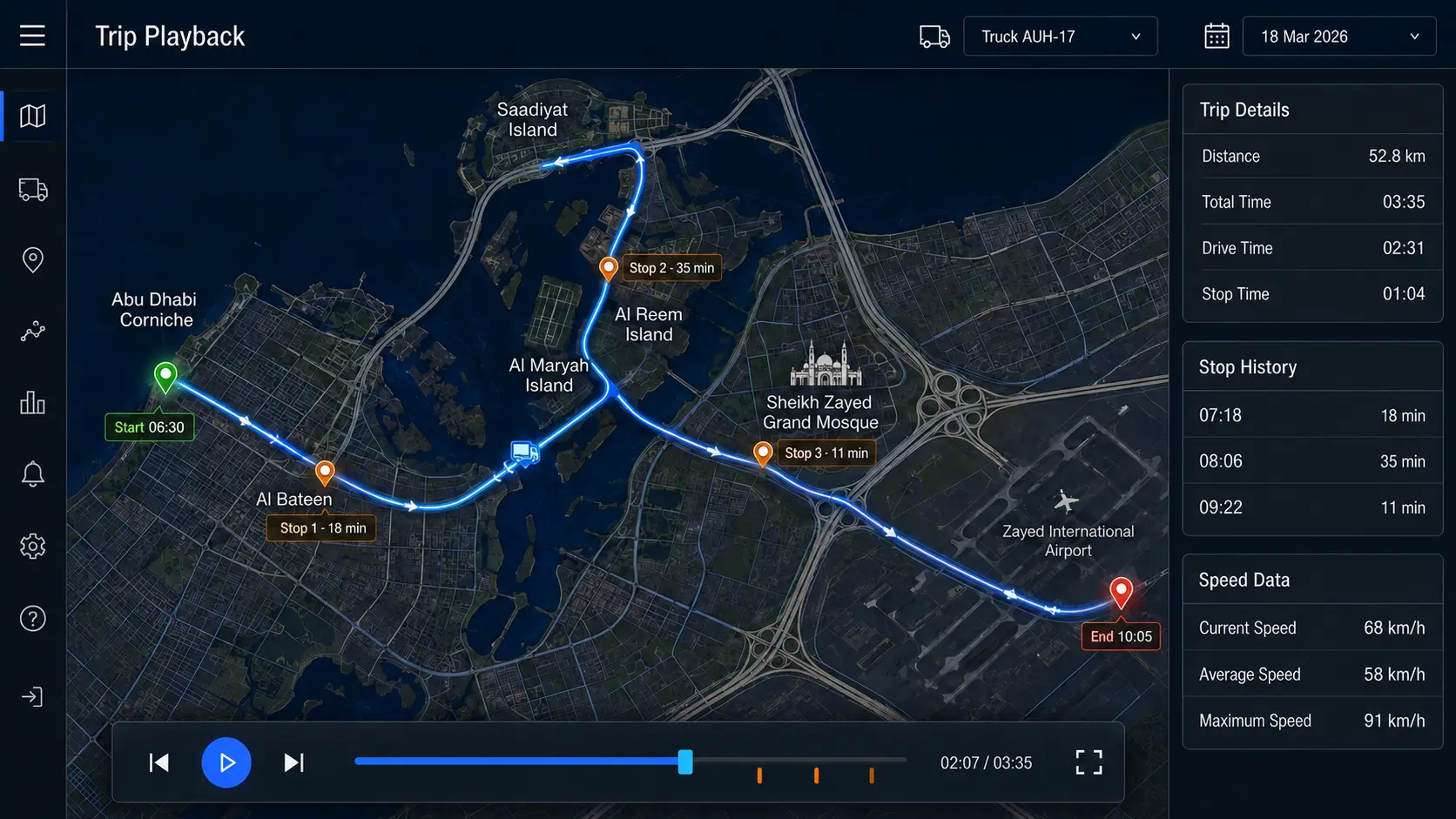
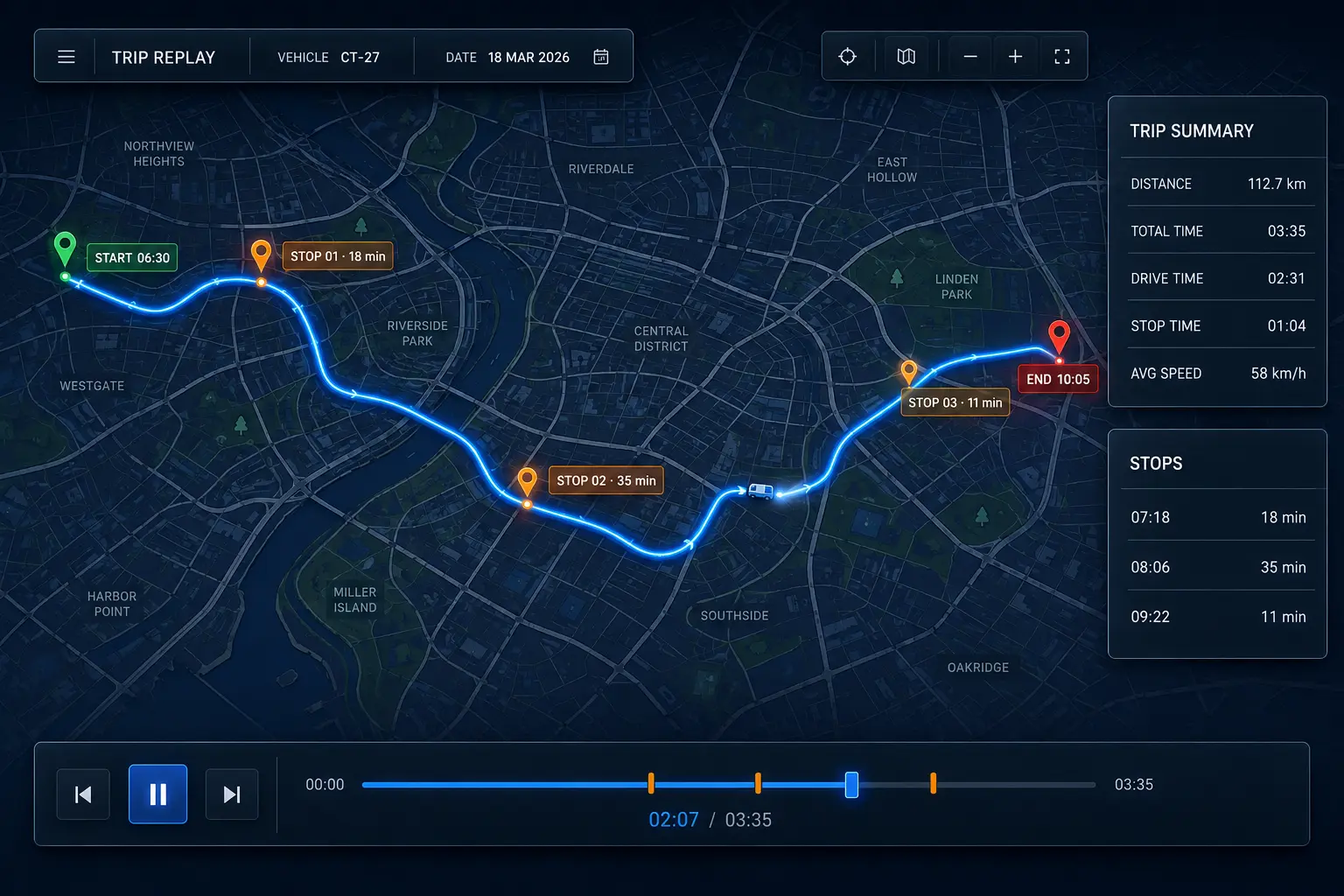
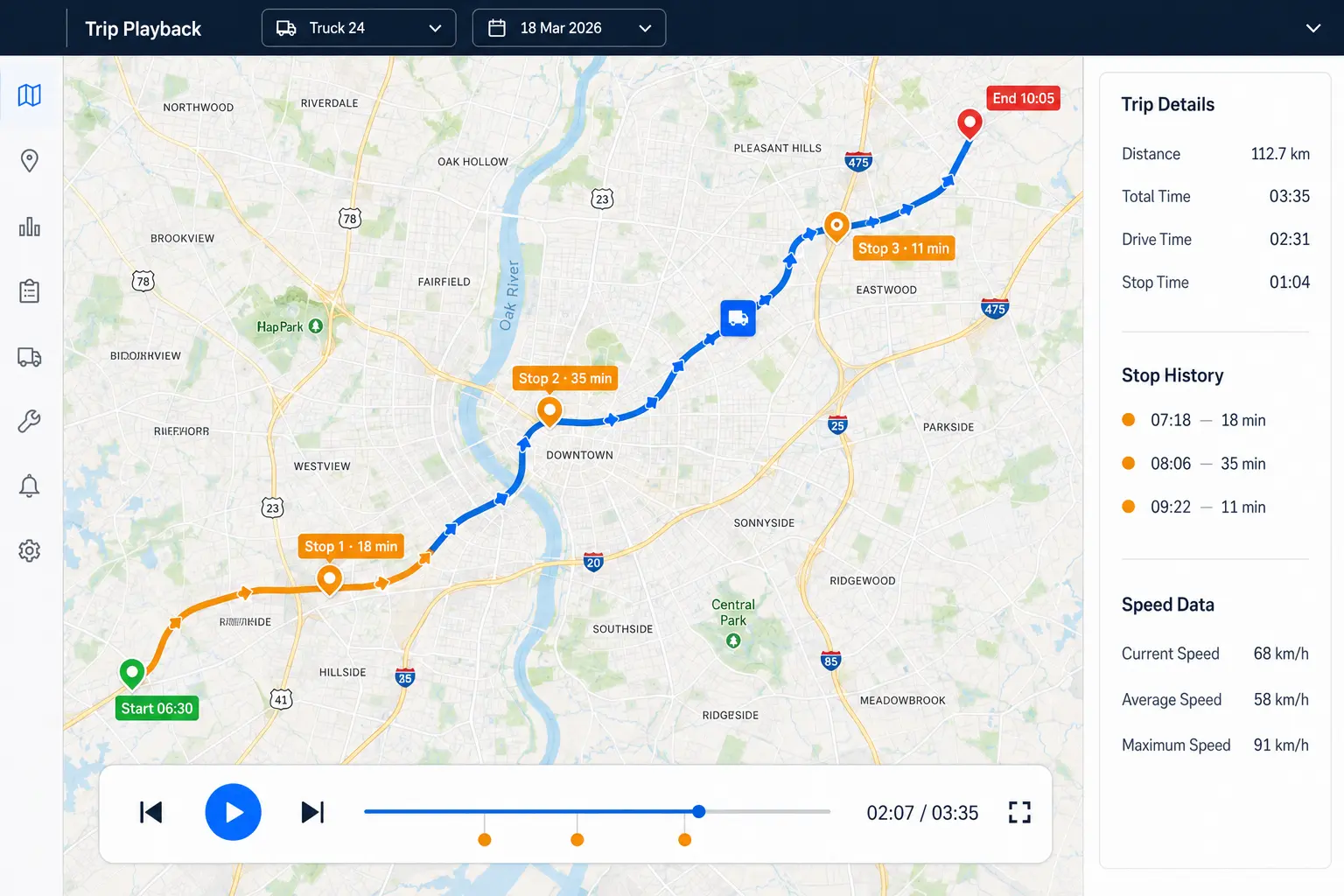
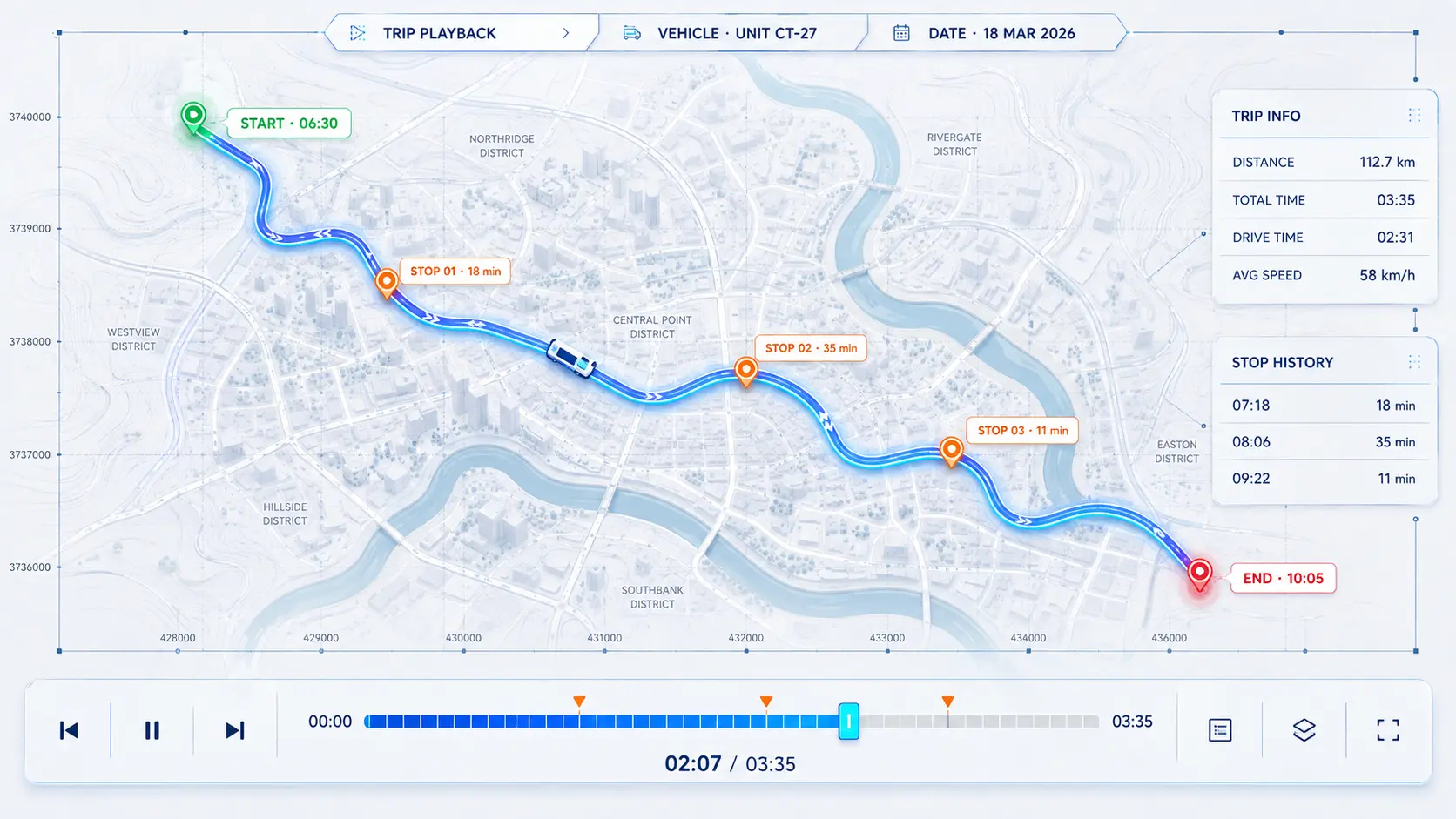
TRIP PLAYBACK
Replay any trip as if it were happening now
Choose a vehicle and date, then watch the entire trip unfold on the map step by step.
01Choose vehicle02Select date03Play trip
THE COMPLETE PICTURE
Explain delays, verify the route and review what actually happened — without relying on memory or a driver’s account.
From vehicles to equipment — and everything happening on the road
Switch between solutions and discover the level of visibility your fleet actually needs.
INDUSTRIES WE SERVE
Tracking solutions for your business.
From trucks to equipment and delivery teams, each operation needs its own view of the day.
01Transport & logisticsWhere is your truck? When did it stop?02Construction & heavy equipmentIs your equipment on site or off site?03Agricultural equipmentFollow equipment between farms.04Private & business vehiclesSee your car's location and journeys.05Delivery motorcyclesSee where delivery time is lost.06Distribution & field servicesReview arrivals at customer sites.
All tracking solutions by industry →VEHICLE TRACKING PLATFORM
Track your vehicles. Review every journey.
Explore the platform through actual screenshots: vehicle location, trip routes, stops, alerts and cameras.
Where is the vehicle now?
Select a vehicle to see its location and details.
Open the vehicle's map card to check its location and status without relying on phone calls.
- Selected vehicle
- Map location
- Available vehicle data
A vehicle's map position and information card.
THE DEVICE FOR YOUR NEEDS
The difference is in the data you can get.
Basic tracking? Sensors and driver identification? Truck data? Different needs call for different equipment.
Teltonika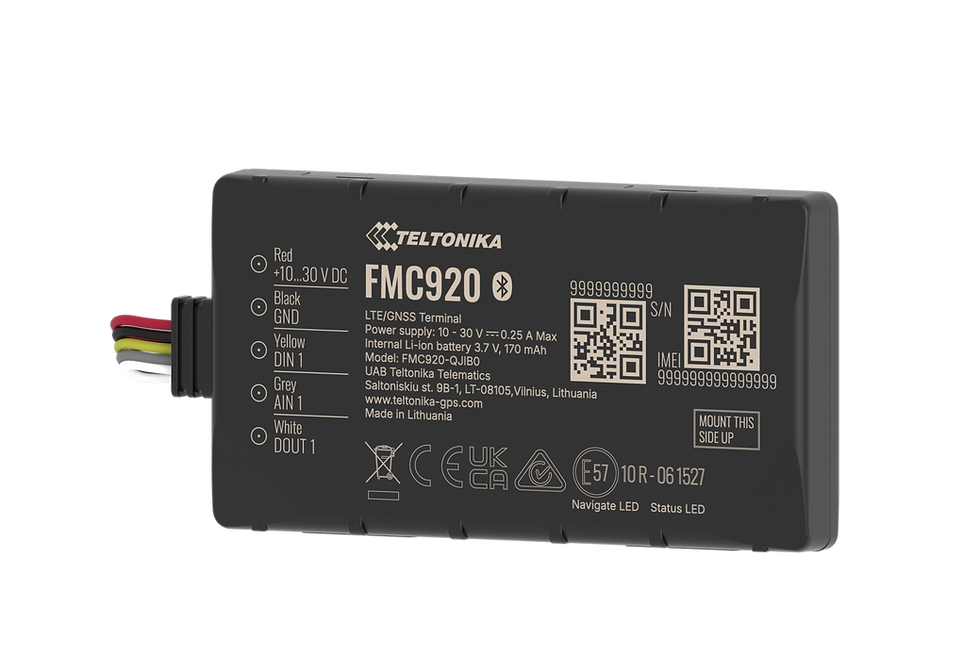
Teltonika FMC920Everyday tracking
CHOOSE THIS DEVICE IF
You need location, trips and operating status with basic connections.
- 4G connectivity and Bluetooth
- One digital and one analogue input
- One digital output for a compatible accessory
POWERVehicle power · 10–30V
CONNECTIONSBasic connections and Bluetooth
Before installation: External accessory control requires suitable wiring and a relay.
An asset without power, or a need for video? Explore the other options too.
Compare all devicesYOUR TRACKING SUBSCRIPTION
What does your subscription cover?
A clear view of the platform and services, with equipment defined around your fleet.
Platform access
View vehicle locations and status in one account for your fleet.
Trips and stops
Review routes, departure and arrival times, and stop duration.
Alerts and reports
Follow the events and reports supported by your chosen equipment.
Guidance and support
Contact our team in Arabic or English for help using the system.
SPECIFIED IN YOUR QUOTE
Know what you are paying for before you start.
Your quote identifies what is included and what is charged separately, based on the equipment and services you choose.
- Tracking device and installation
- SIM and data plan
- Subscription term and renewal fees
- Cameras, sensors and optional equipment
- Getting started and support scope
Request a trial on your vehicles for up to 15 days.Request your free trial
Same delay. One difference: who knew first?
Without GPS, the customer discovers the problem before you do. With Nibras, the system alerts you before lost minutes become an angry call—or a lost customer.

BEFORE THE SYSTEM • 08:10
The customer asks: where is the delivery?
You do not have a confirmed location. Your first move is another call to the driver.
NO CONFIRMED ANSWER

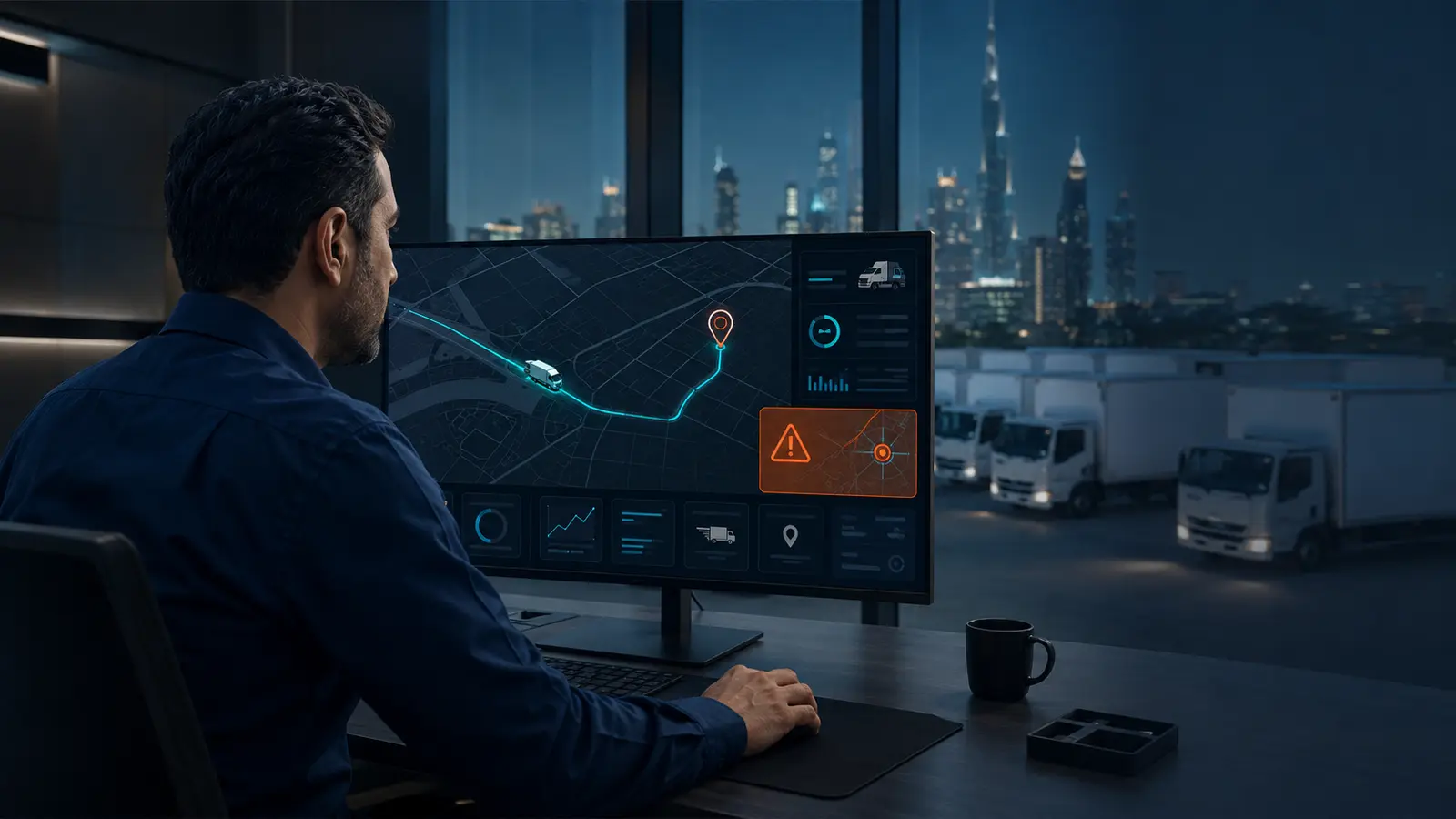
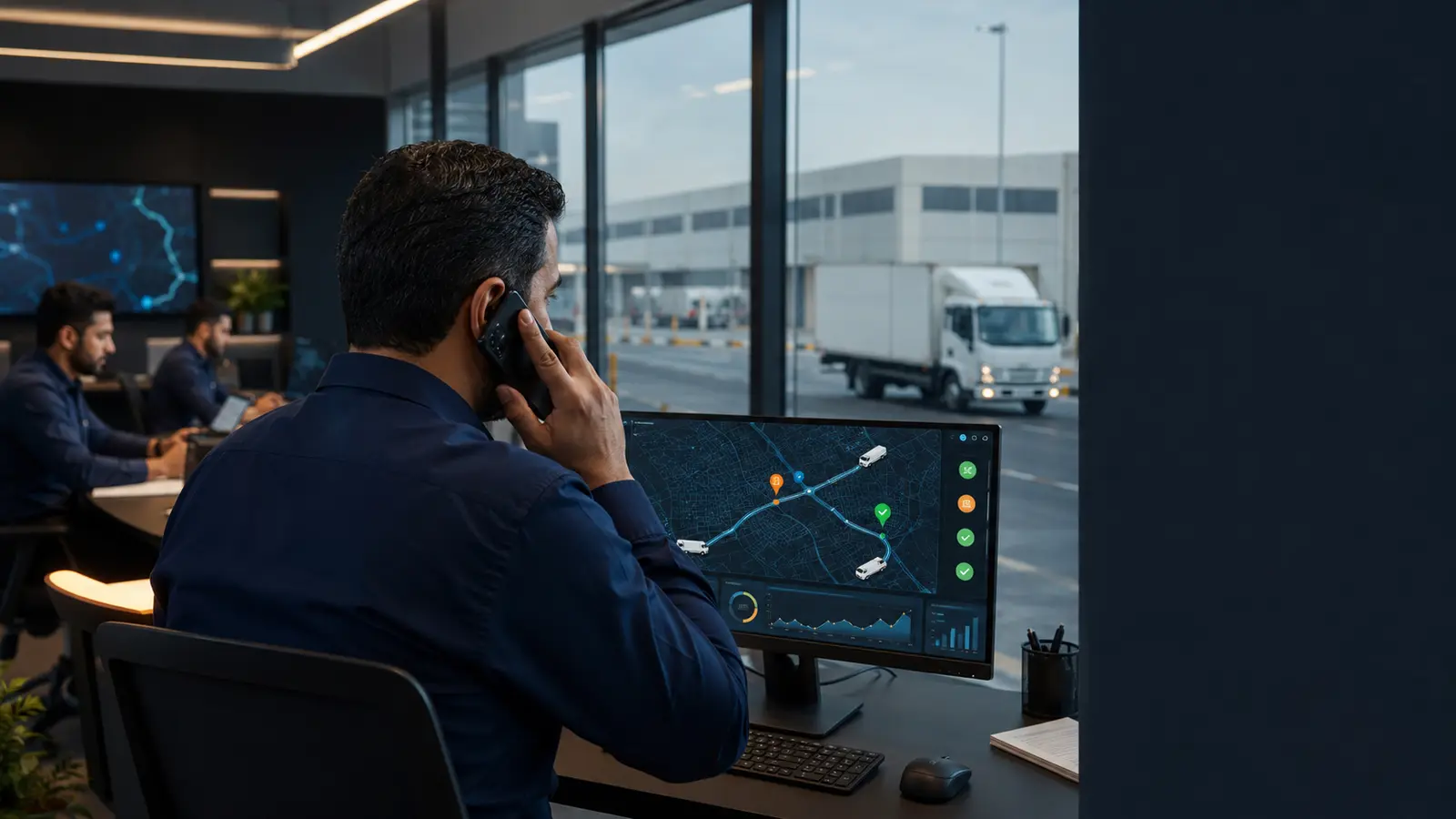
WITHOUT GPSYour fleet runs on phone calls
WITH NIBRASYour fleet runs on information
You call the driver: where are you?
Open the map and know
The customer tells you about the delay
The alert reaches you as it happens
Stop duration becomes an argument
Every stop has a time and place
You piece information together from calls and messages
Review the trip and stops in one place
GETTING STARTED
A clear solution, built around your fleet
- 01
Tell us about your fleet
Your vehicle types, fleet size, business activity and monitoring needs.
- 02
See a live demo
Explore the map, trips and alerts with our team, and get your questions answered.
- 03
Review your equipment and quote
Review the included devices and services, then arrange installation once agreed.
OUR CUSTOMERS
Trust that grows with every working day.
More than 3,000 customers across the group. Every relationship starts with understanding the customer's needs and building a solution around their operations.
3000+customers across the group